 ZIPTEAMS × WORDPRESS
How to add Zipteams Meeting Scheduling to your WordPress?
Zipteams Meeting Scheduling is a powerful plugin that can be easily embedded in minutes on your WordPress websites.

Here are the steps to add Zipteams Meeting Scheduling on your Wordress Websites?

Step 1: Sign Up or Log In
Go to
Zipteams
and sign up or log in to your account.
Step 2: Configure the Widget
Navigate to:
My Workspace → Integrations
Click on
‘Configure’
next to
Instant Connect Widget
.
Customize your widget with your brand colors and personalized messages.
Step 3: Assign Widget Tags to Team Members
Go to:
My Workspace → Manage Team
Assign the
Instant Connect Widget tags
to the users who will be handling meetings.
Step 4: Add the Widget to Your Website
Copy the generated
widget code
.
Paste it into the
header section of your website
.
If you’re using WordPress, you can install the
‘Code Snippets’
plugin to easily insert the code into your site’s header.
You're All Set
Once added, your website is ready to start receiving instant meetings through the widget.
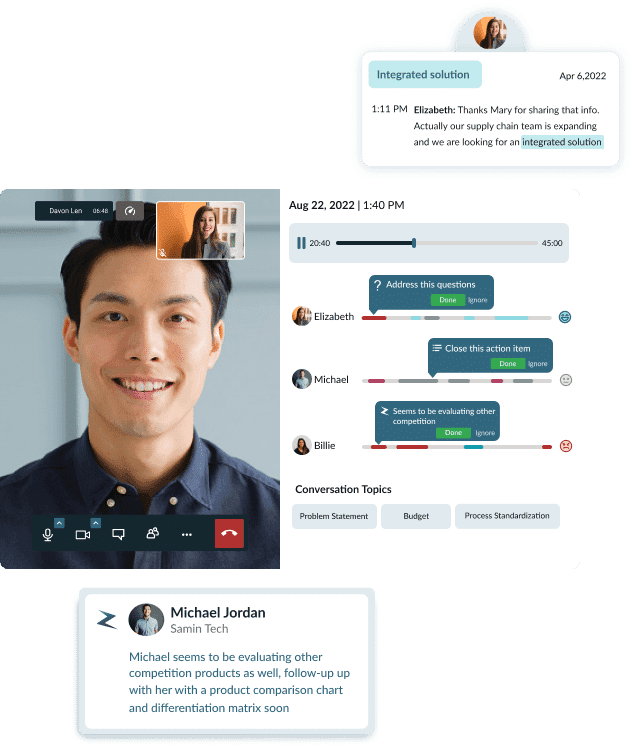
Features of Zipteams Meeting Scheduling Widget:
Integrate in minutes using a website header HTML code. You can add your brand color and messages to the code and add it on your WordPress website header.
Customize your own form for getting details from the visitors before meeting them. You can add all your qualifications questions that are visible to the sales teams before they meeting the visitor.
Connect your visitors easily on web-based meeting rooms. Team members can have more warm face-to-face conversations and share screen to detail the visitor about the product.
Round-robin scheduling to your sales teams to attend to visitors at their convenience. Team members can indicate their availability for instant meetings and only when they are available, new meetings get assigned to them.
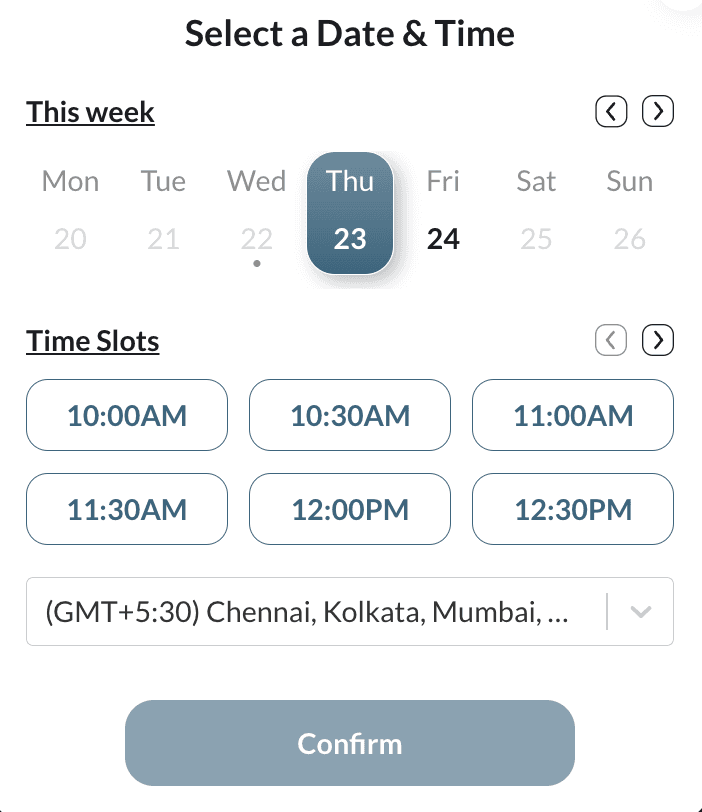
Fallback calendar booking option when no team members are available to take instant meetings. You can set your calendar as per your organization’s working days and timings.
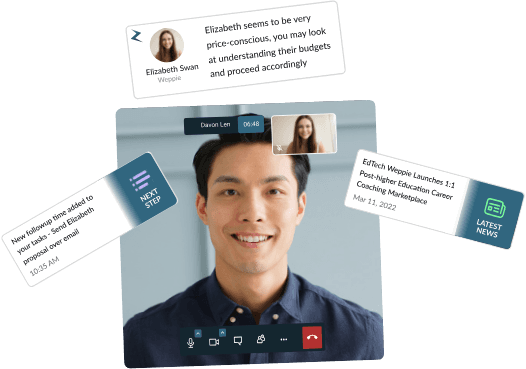
Smart AI-powered insights about the visitors to talk to them contextually and in a personalized manner. Your sales team members have these insights everytime they meet a website vistor.
Auto-recording of all calls with unlimited storage options.